Quick Sync - Local File Transfer
Read our comprehensive review of Quick Sync - Local File Transfer. Learn how this local utility simplifies sharing files between your PC and mobile devices.
A Seamless Way to Share Files Locally
Imagine needing to send a document or a photo from your computer to your phone, only to realize you do not have a compatible cable nearby, or your cloud storage is acting up. Quick Sync - Local File Transfer by Moonlight Tidal Technology addresses this exact frustration. Instead of relying on external servers or complex configurations, this Windows utility leverages your local Wi-Fi network to establish a direct, rapid connection between your devices. It is a straightforward, lightweight tool designed for users who value speed and privacy above all else.
Key Features of Quick Sync - Local File Transfer
- Direct Local Network Transfers: Because the application operates entirely within your local Wi-Fi network, your data does not travel to the public cloud. This local file transfer approach ensures your sensitive documents remain private and secure.
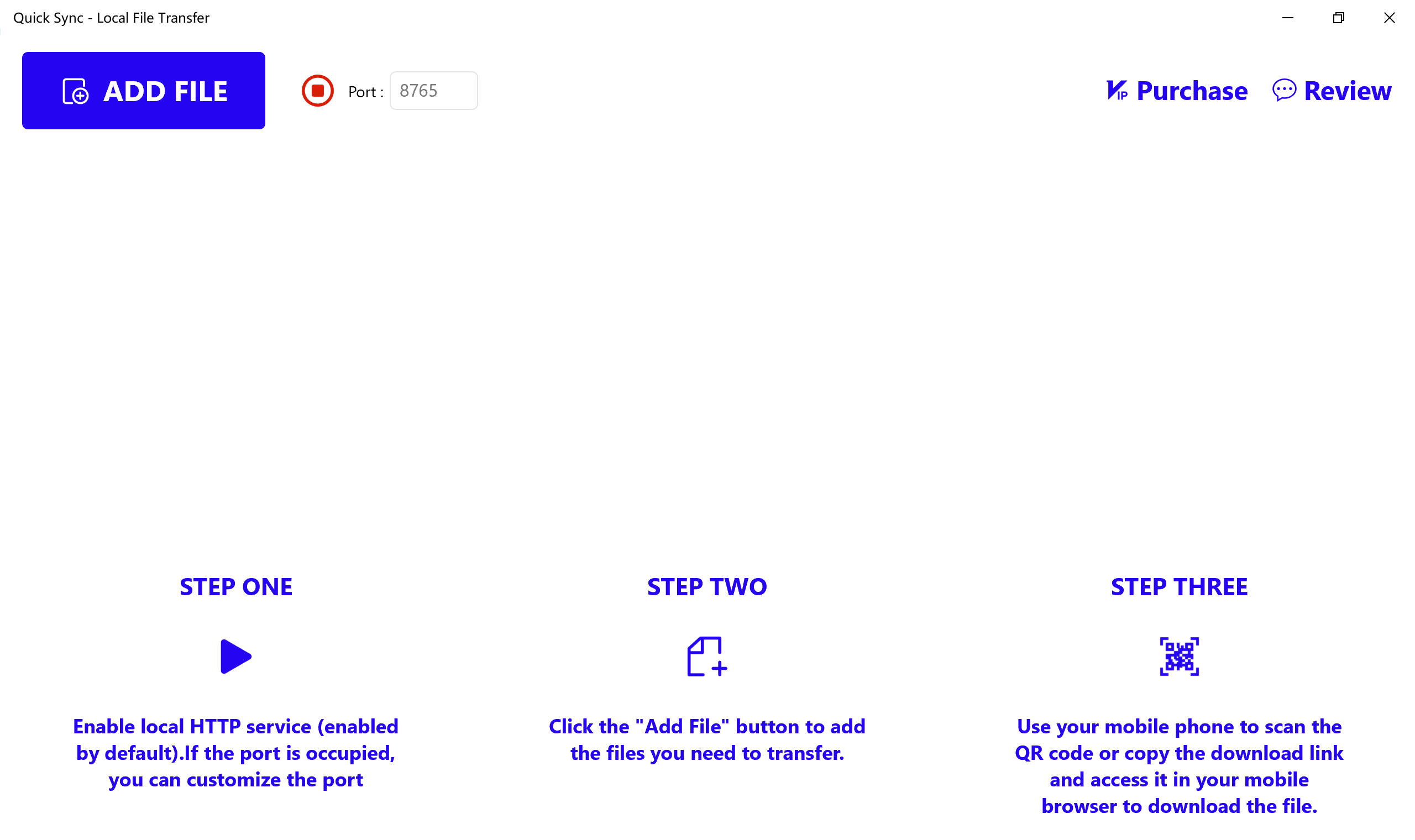
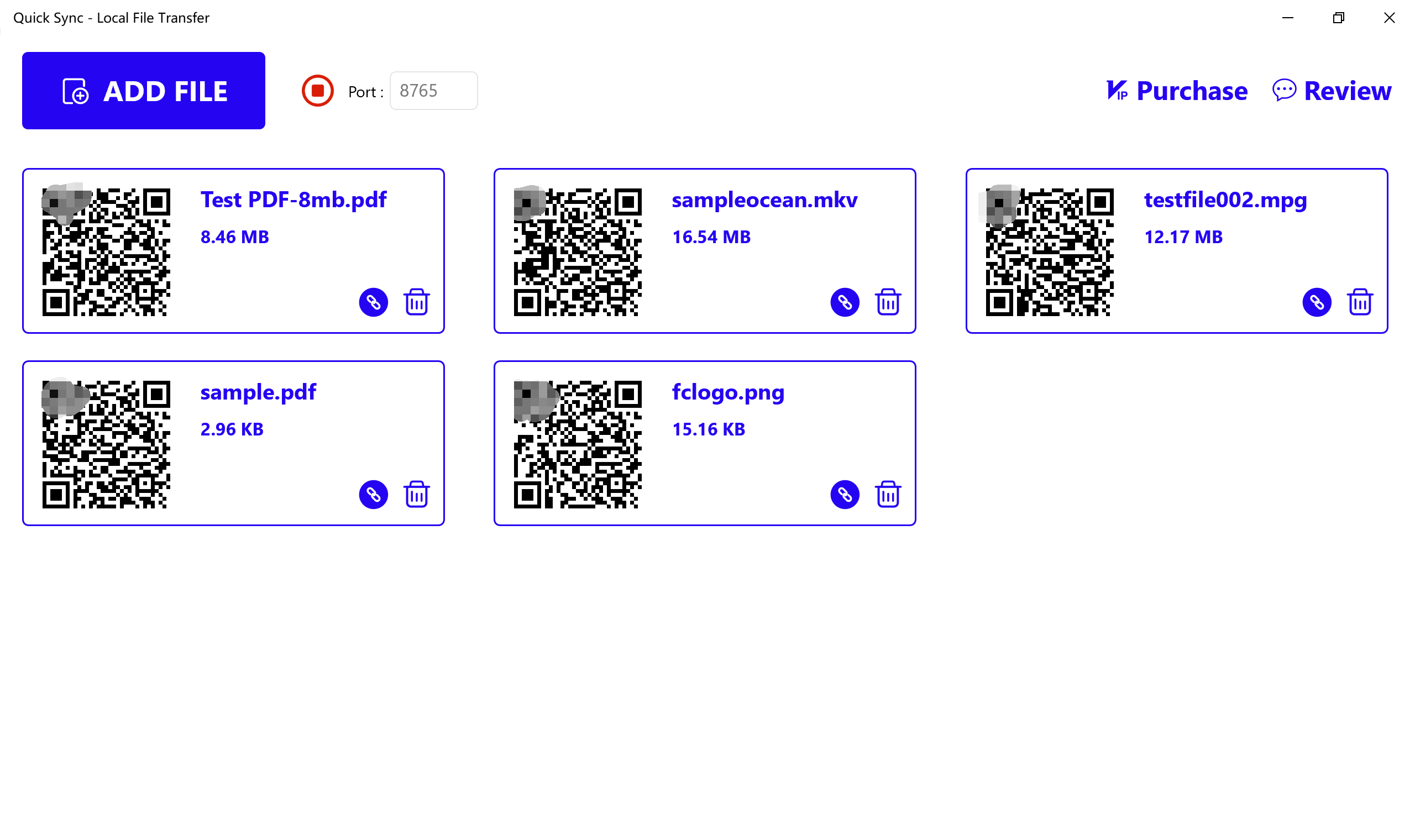
- Instant QR Code Pairing: You do not need to pair devices via Bluetooth or input complex IP addresses. Simply add the files you wish to share on your PC, and the software generates a unique QR code. Scanning this code with your mobile device immediately initiates the download.
- Web Browser Compatibility: If you prefer not to use a QR scanner, the tool also generates a direct local download link. You can copy this link and paste it into any web browser on your receiving device to retrieve your files.
How the Local File Transfer Process Works
Getting your files from point A to point B involves three basic steps. First, you add the files you want to transfer from your Windows PC into the application. Second, the utility automatically generates a unique QR code and a local URL. Finally, you scan the QR code with your mobile phone or tablet (or enter the URL into your browser) to pull the files over your shared Wi-Fi network. Note that both your computer and the receiving device must be connected to the exact same Wi-Fi network for the transfer to succeed.
Understanding the Free vs. VIP Tiers
The application is free to try, allowing users to test its local file transfer capabilities with a one-day trial and a file size limit of under 20MB. For users who require larger bandwidth, the VIP upgrade unlocks unlimited usage time and raises the maximum file size limit to under 200MB, making it suitable for larger PDFs, media files, and archives.
The Verdict: Is It Right for You?
If you regularly find yourself emailing files to your own inbox or searching for USB cables, Quick Sync - Local File Transfer offers a highly efficient, cable-free alternative. Its focus on local network security means your files stay within your home or office environment. To explore this utility further and download it for your Windows device, visit the official Microsoft Store today.