
Power BI Desktop
Discover how Power BI Desktop transforms raw business data into stunning, interactive visual reports. Read our full editorial review and analysis.
The Ultimate Tool for Modern Business Intelligence
While many data tools struggle to balance raw power with user accessibility, Power BI Desktop data visualization software strikes a perfect harmony. Developed by Microsoft Corporation, this enterprise-grade authoring tool allows data analysts and business leaders alike to connect directly to their information pipelines and transform raw numbers into compelling, interactive visual narratives.
Unlike traditional spreadsheet applications, this platform is built specifically for deep data modeling and rapid report generation, helping organizations make informed decisions based on real-time insights.
Key Features of Power BI Desktop Data Visualization
The strength of this tool lies in its end-to-end analytical workflow. It provides users with complete control over their data journey, from initial connection to final publication. Key capabilities include:
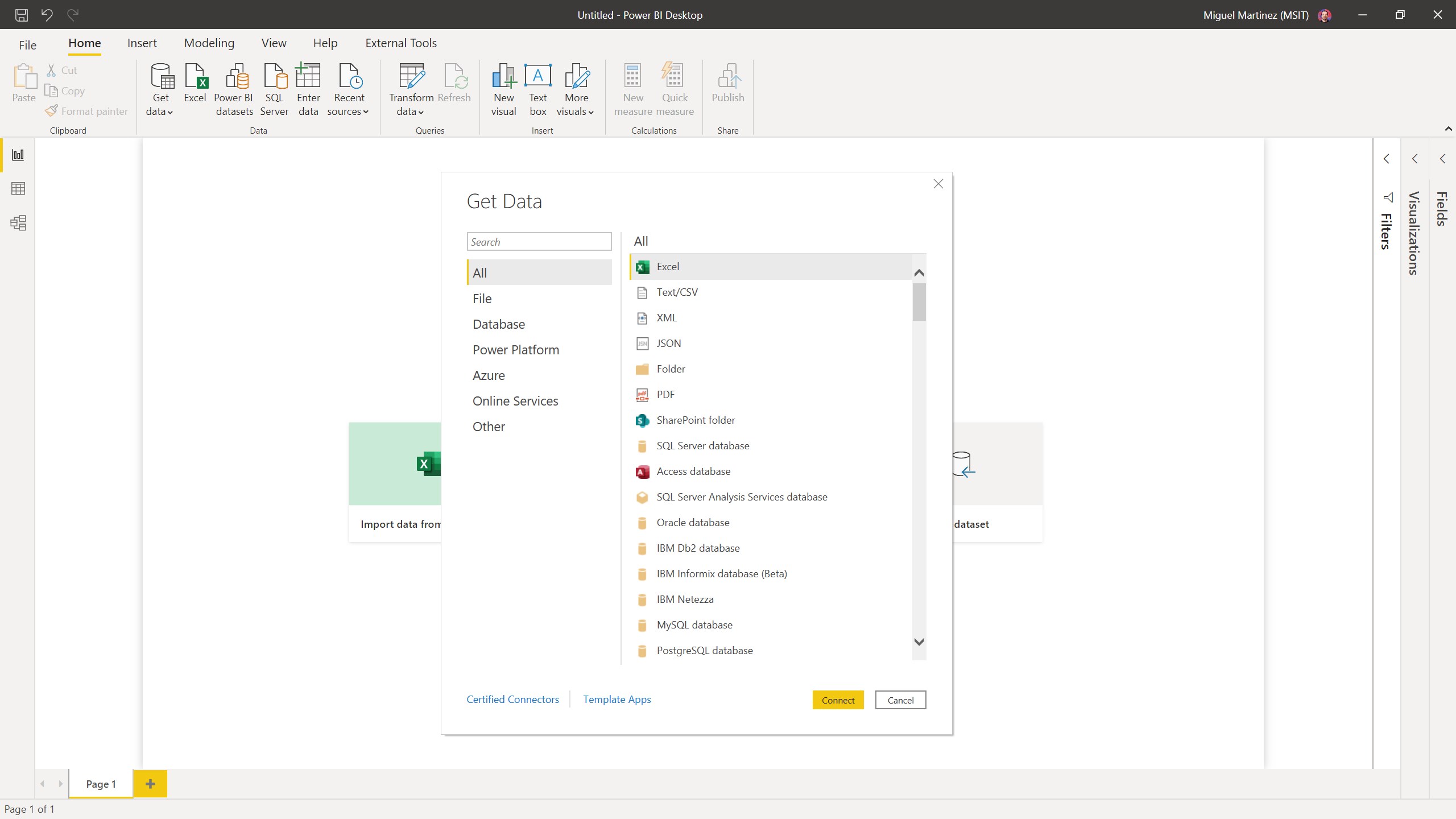
- Unified Data Connectivity: Securely link to hundreds of cloud-based and on-premises data sources with minimal configuration.
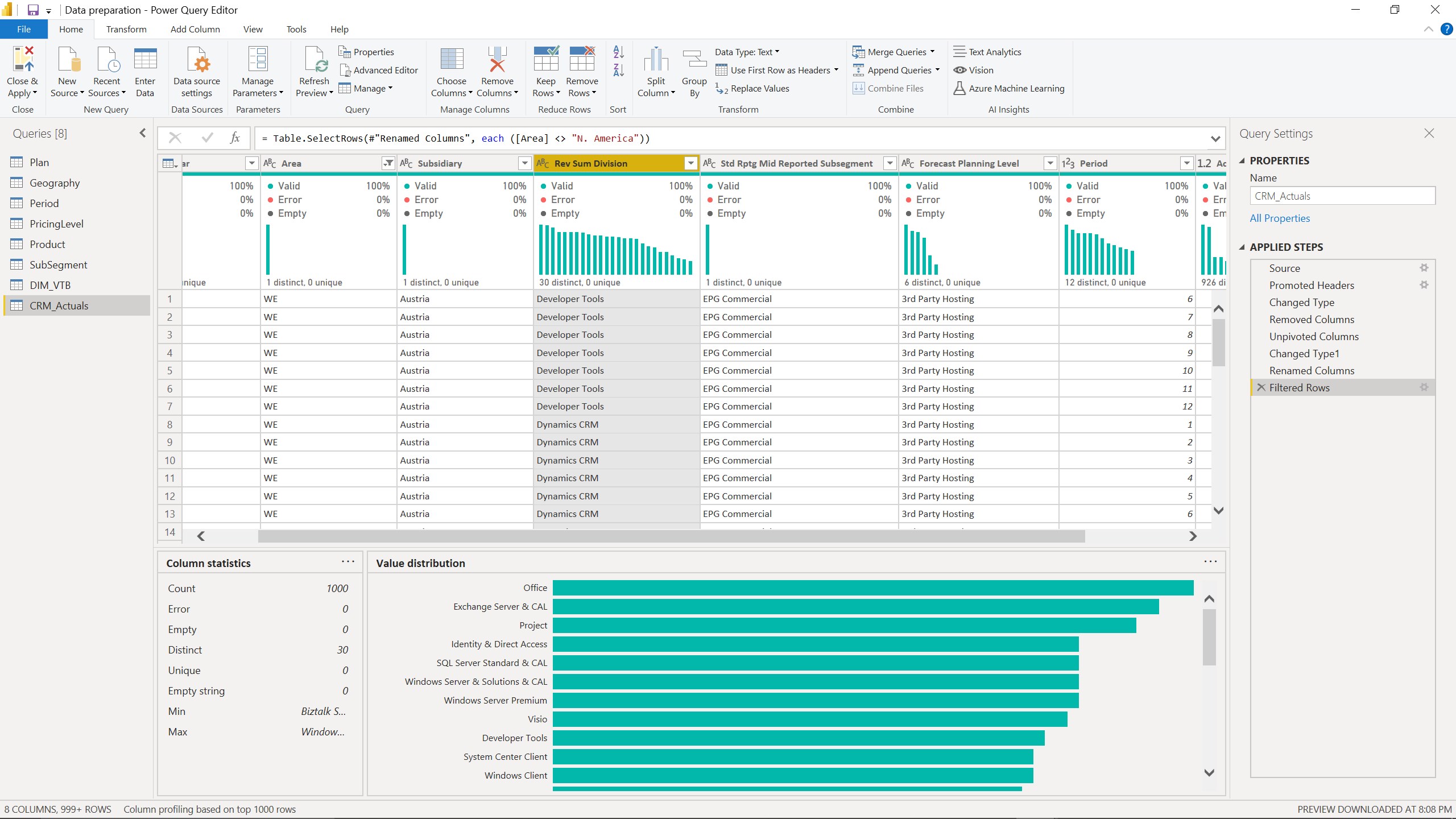
- Advanced Data Cleansing: Transform, mash up, and refine complex datasets from multiple disparate sources in just a few clicks.
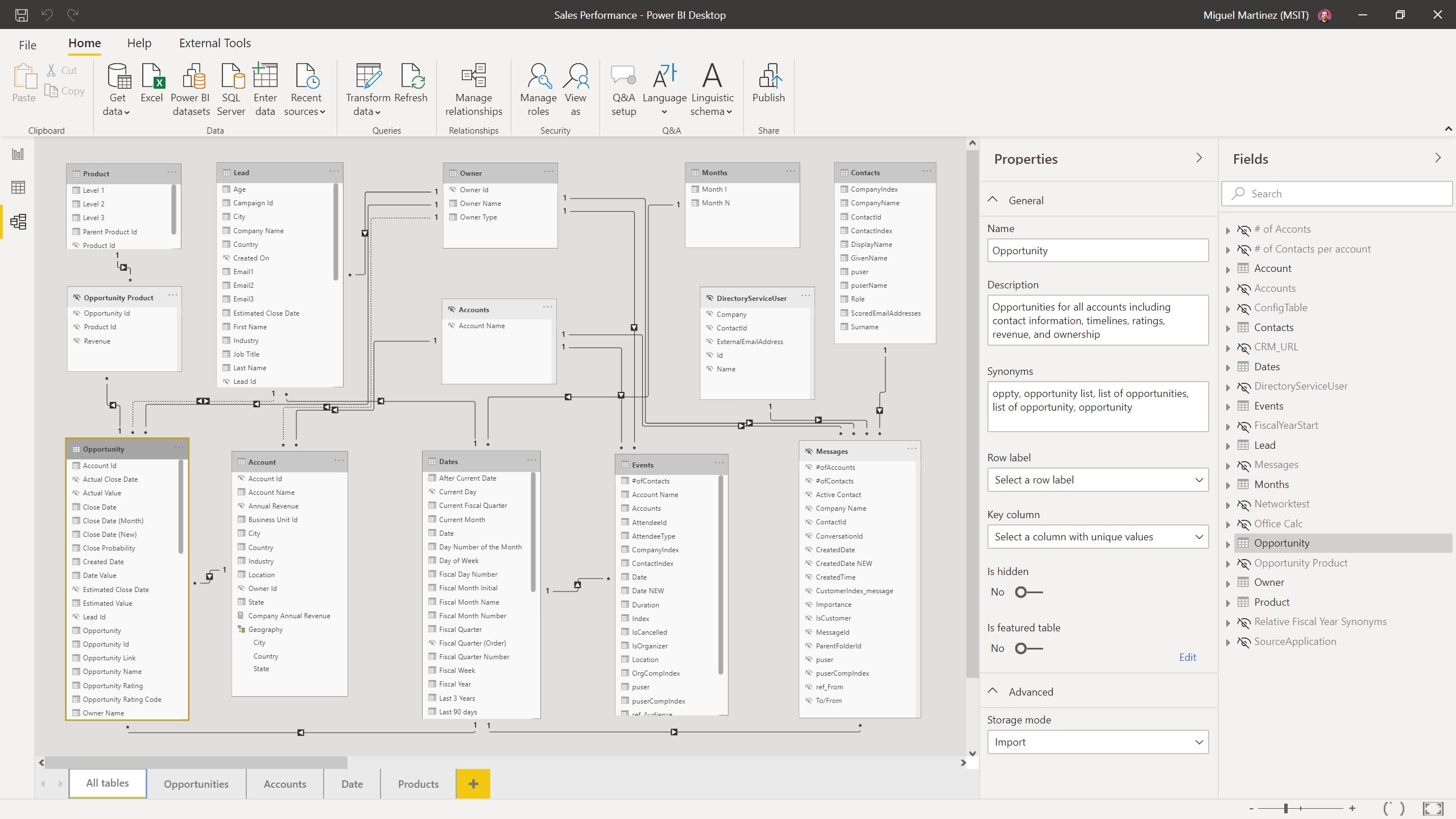
- Robust Modeling with DAX: Extend your analytical capabilities by building custom data models using powerful DAX formulas.
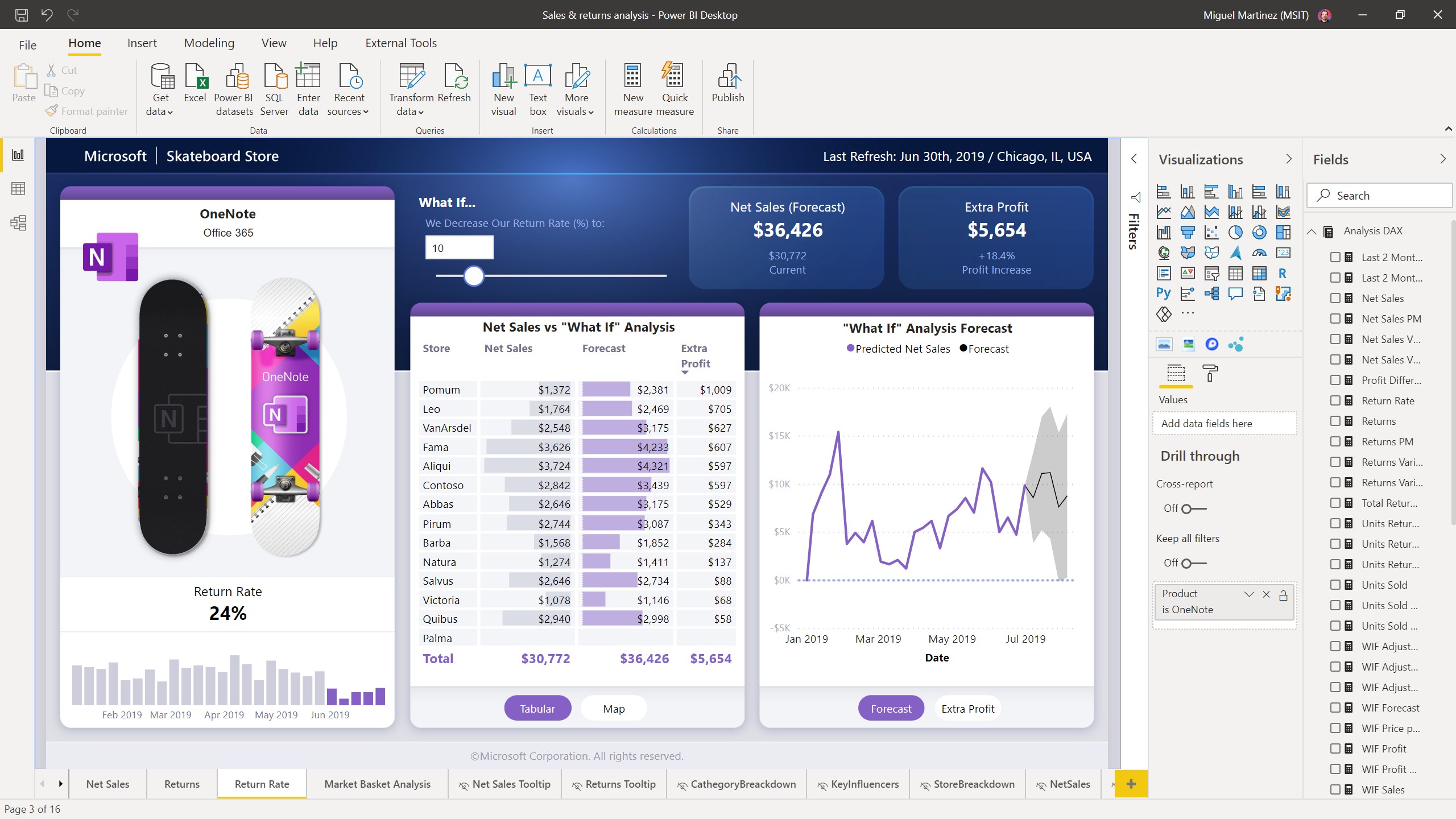
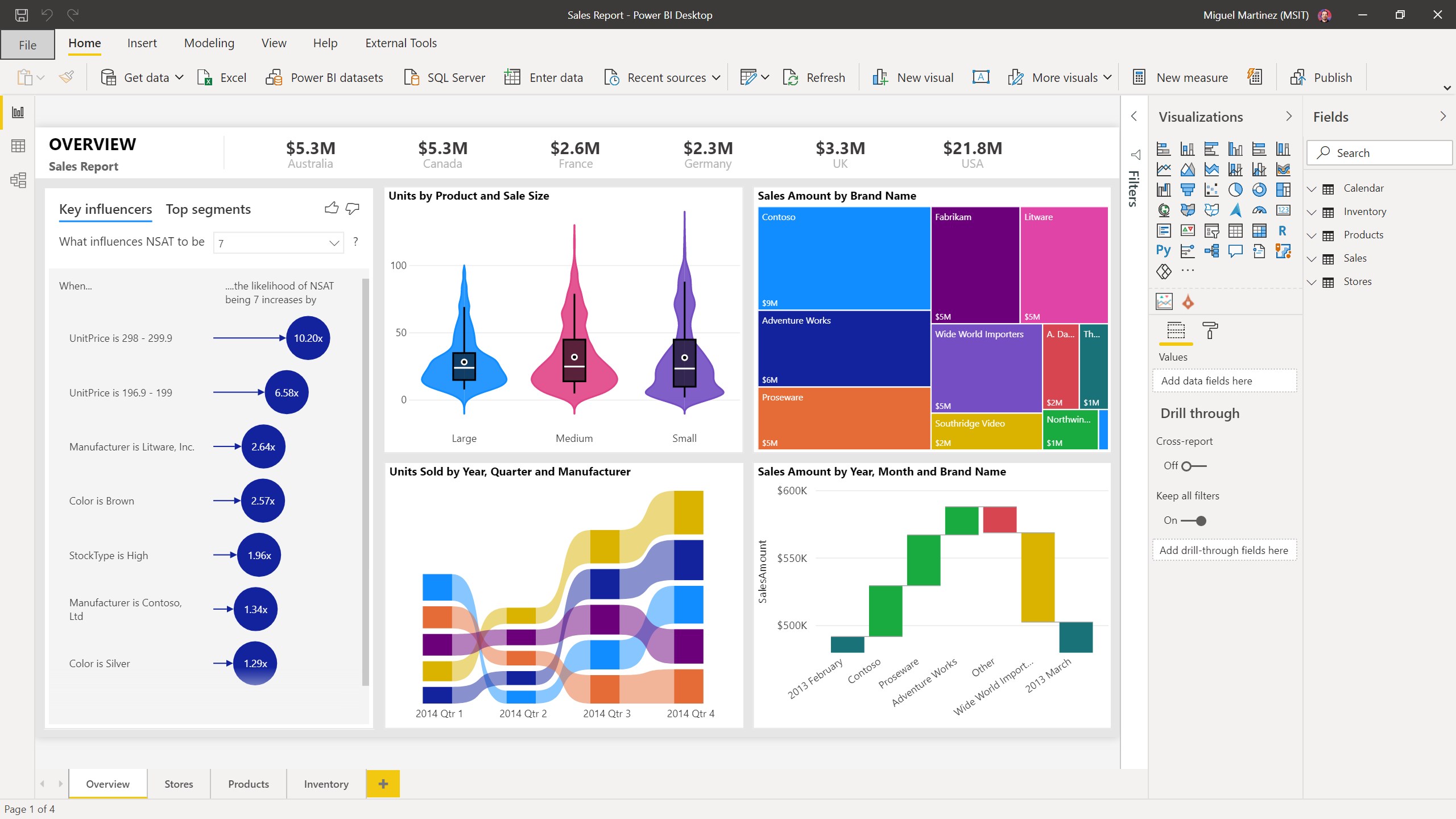
- Stunning Visual Library: Choose from more than 100 cutting-edge, pre-built data visuals or design your own bespoke charts.
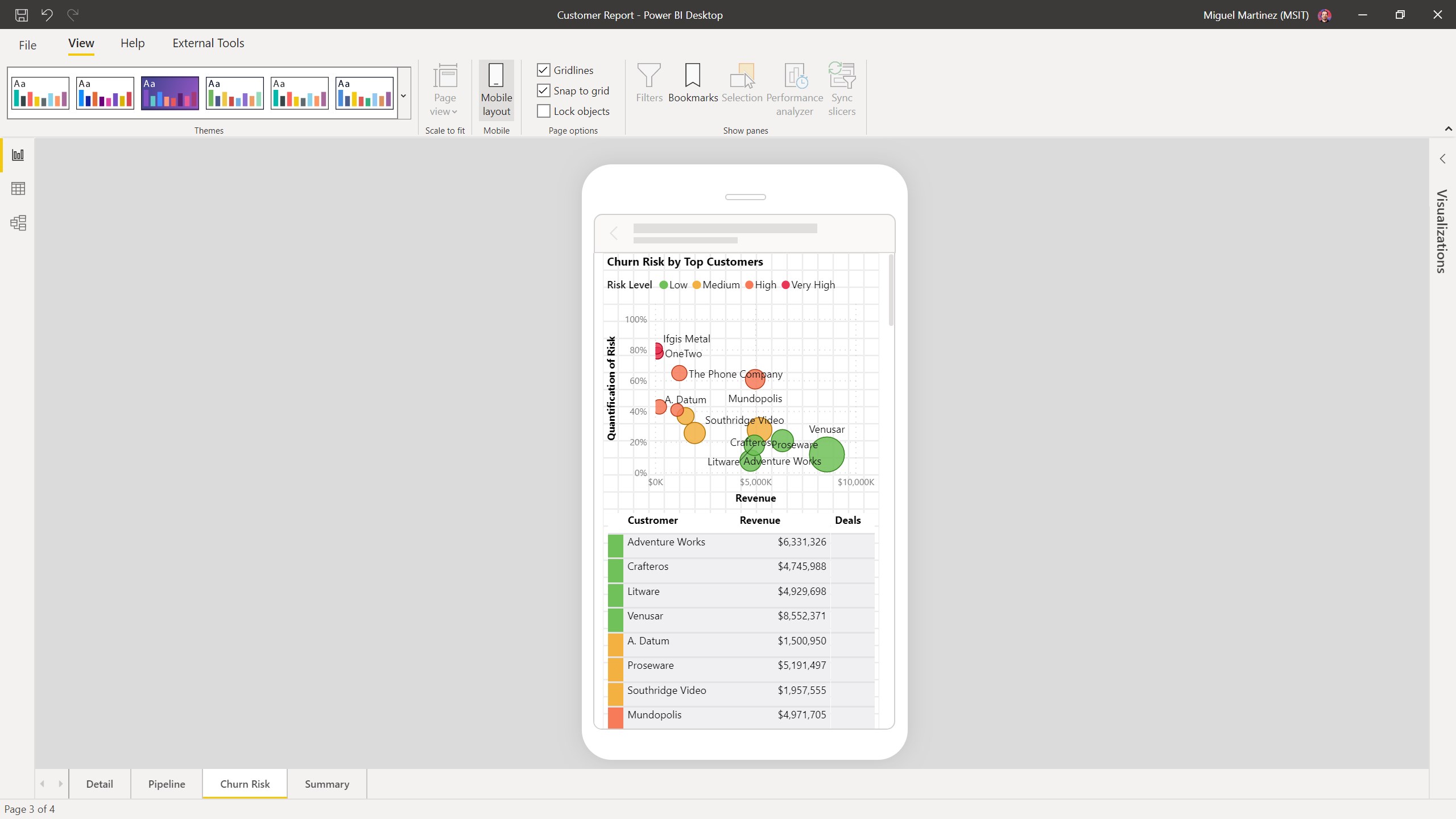
- Tailored Layouts: Build intuitive report designs using drag-and-drop formatting tools, including specialized mobile layouts for on-the-go professionals.
Who is This Analytical Tool For?
This software is a premier choice for business intelligence professionals, system administrators, and data analysts who require a robust environment for building complex reports. Because it integrates seamlessly with the broader Microsoft ecosystem, it is ideal for teams already utilizing cloud database structures who need to distribute secure, interactive dashboards across their entire enterprise organization.
Seamless Ecosystem Integration
As a core component of Microsoft's business suite, this desktop authoring application works hand-in-hand with the Power BI web service and Power BI Mobile. While you use the desktop version to build and model your reports, you can easily publish your completed dashboards to the cloud to share interactive insights securely with colleagues on any Windows 10 device.
Editorial Verdict
For organizations serious about cultivating a data-driven culture, utilizing Power BI Desktop data visualization capabilities is highly recommended. It eliminates the friction of data preparation and delivers enterprise-level reporting power directly to your workstation. To explore this tool and begin building your own interactive dashboards, visit the official Microsoft Store page to get started.