
DBeaver CE
Explore our comprehensive review of DBeaver CE, the ultimate universal database management tool designed for developers, analysts, and database administrators.
An All-in-One Answer to Complex Database Administration
Managing diverse database environments often requires juggling multiple heavy applications. DBeaver CE database management tool solves this issue by providing a unified, versatile interface for developers, analysts, and database administrators who need a structured way to interact with their data on Windows. Developed by DBeaver Corp, this open-source client bridges the gap between simple spreadsheet-style data editing and deep database development.
Key Features of the DBeaver CE Database Management Tool
This software is built to handle virtually any data source you throw at it. Below are some of the standout functionalities that make it a staple in the IT tools category:
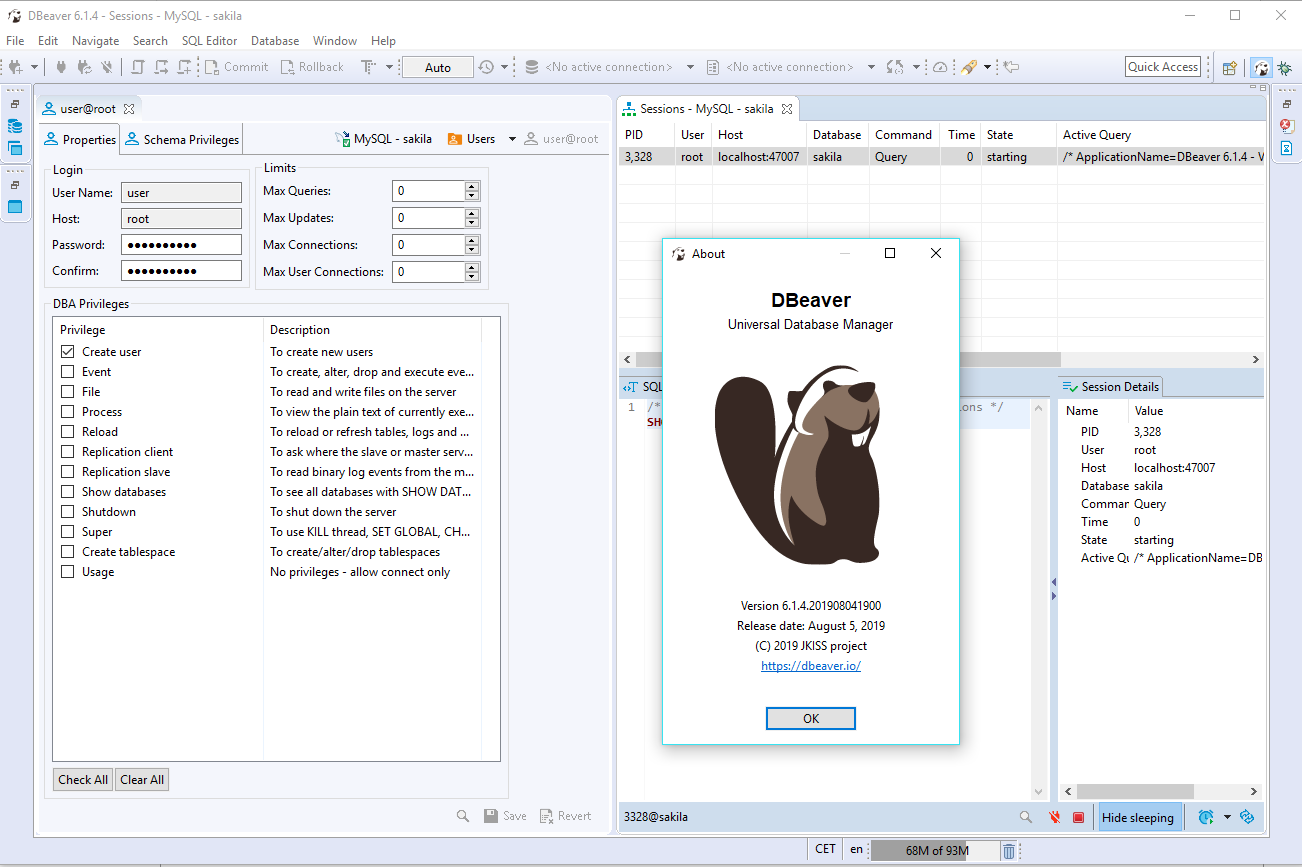
- Extensive Database Support: Out-of-the-box compatibility with more than 70 different databases ensures you can connect to legacy systems and modern cloud warehouses alike.
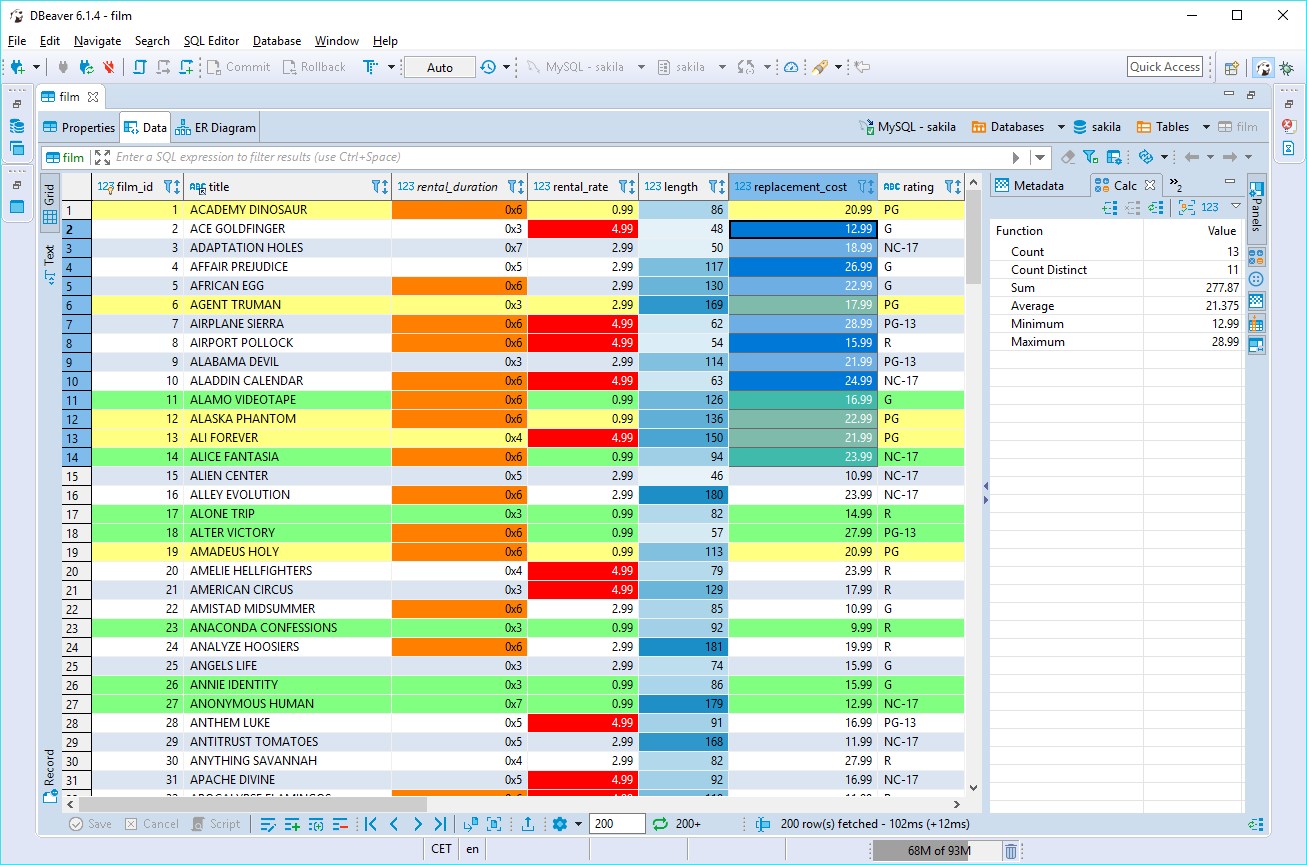
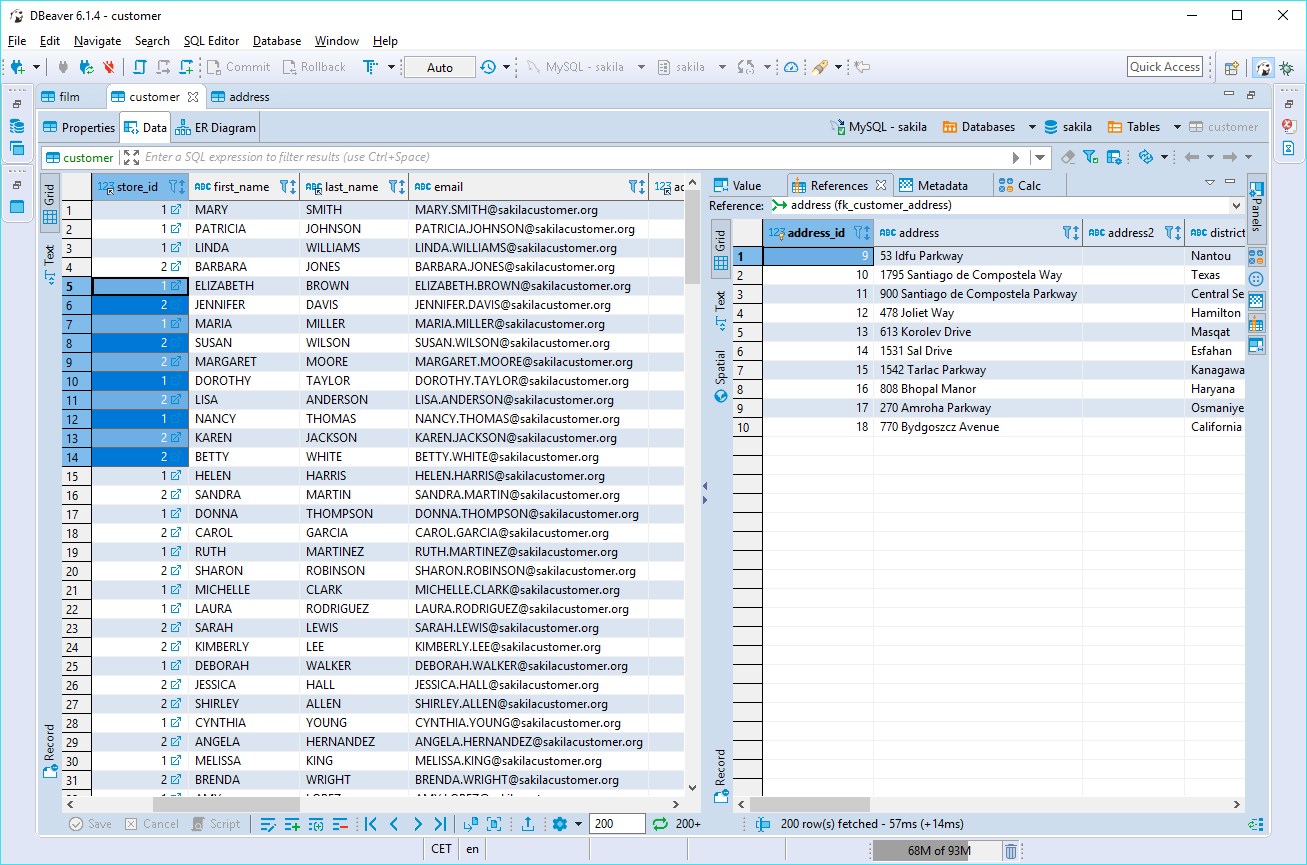
- Intuitive Data Editor: Manipulate, filter, and edit your data records inside an interface that feels as straightforward as a standard spreadsheet.
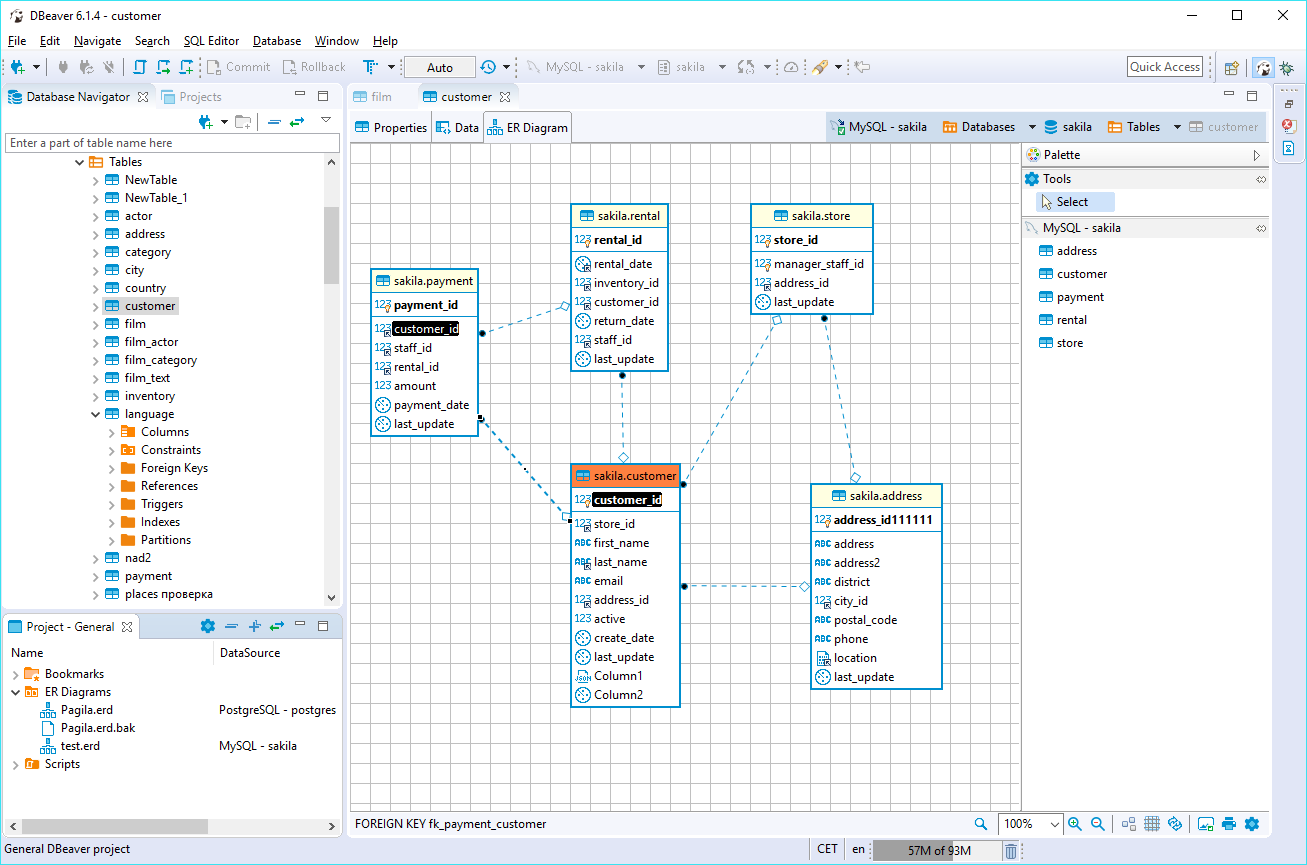
- Analytical Reporting: Easily synthesize information and compile comprehensive reports using records pulled from entirely different data sources.
- Efficient Data Export: Transfer your findings quickly by exporting information into various industry-standard formats.
- Advanced Developer Features: Turn complex administrative tasks and extensive lines of code into simple, repeatable actions with just a few clicks.
Who Benefits Most From This SQL Client?
The DBeaver CE database management tool is engineered for anyone working with structured data, but it is particularly beneficial for professionals working in multi-database environments. SQL developers will appreciate the robust auto-completion and script management, while data analysts can leverage the visual query builders and easy export options to streamline their daily reporting pipelines without needing deep administrative permissions.
Streamlined Workflows for Windows Professionals
By offering a single, cohesive desktop workspace on Windows, this application eliminates the cognitive load of switching between different command-line utilities and proprietary platform tools. Whether you are troubleshooting a local database or executing migration scripts across corporate servers, the interface remains consistent, reliable, and highly performant.
Get Started with DBeaver CE
If you are looking to simplify your database administration and query workflows, this application offers an incredibly robust, free-to-use solution. To explore its features firsthand and integrate it into your development toolkit, head over to the official Microsoft Store to download the application for your Windows device.