Facemoji AI Emoji Keyboard Custom Keyboard Review
Read our expert review of the Facemoji AI Emoji Keyboard custom keyboard. Discover how its AI tools, custom themes, and fonts elevate your iOS typing.
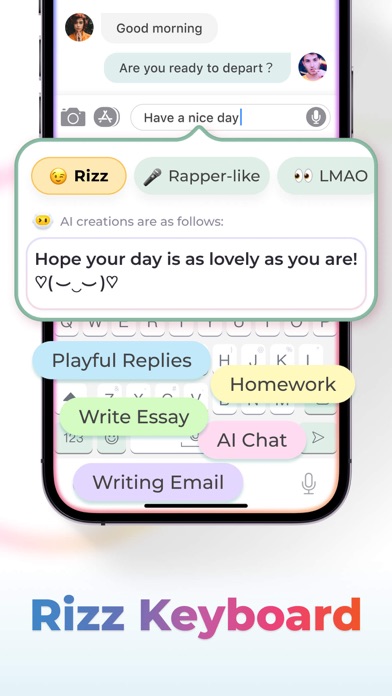
In the modern digital communication space, standard typing interfaces often feel restrictive. The Facemoji AI Emoji Keyboard custom keyboard, developed by NEXILEAP PRIVATE LIMITED for iOS, addresses this by transforming your daily typing experience into a highly personalized, creative outlet. Rather than serving as a simple layout tool, this application integrates artificial intelligence with deep customization features to completely redefine how you interact on social and messaging platforms.
Who Benefits Most from this AI-Powered Keyboard?
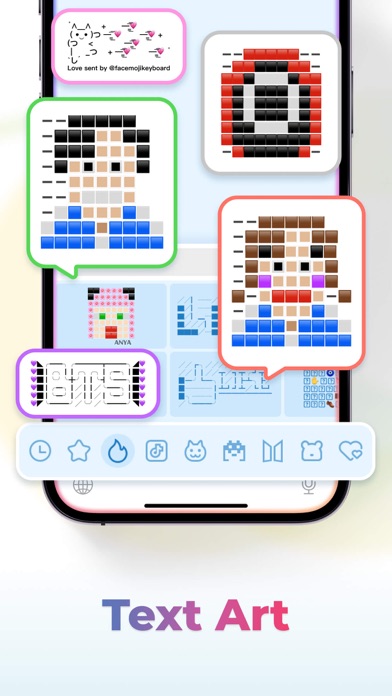
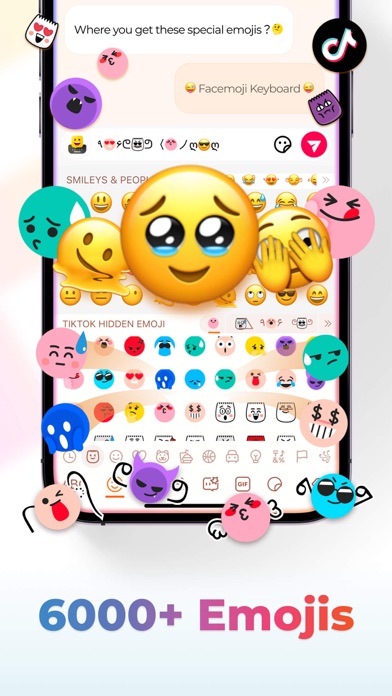
This utility is designed for users who want to stand out in chats, social media comments, and digital bios. Content creators, heavy messaging users, and professionals seeking quick, smart replies will find the integrated tools highly valuable. By offering over 6,000 emojis, custom symbols, and aesthetic fonts, it bridges the gap between basic text and expressive digital art.
Key Capabilities of the Facemoji AI Emoji Keyboard Custom Keyboard
- Built-in AI Assistant: Beyond standard autocorrect, the integrated AI helps write emails, compose stories, translate languages, and generate smart, contextual replies directly from your typing interface.
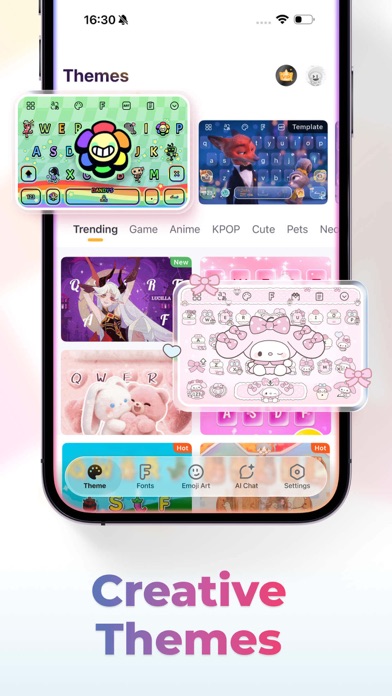
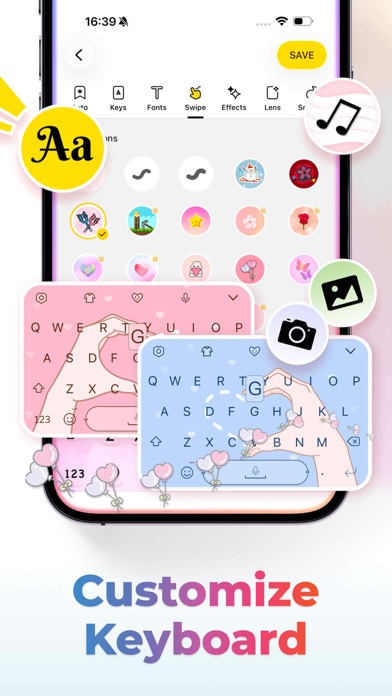
- Deep Visual Customization: Users can design custom keyboard layouts, change key styles, select unique tapping effects, and even convert personal video clips into dynamic keyboard backdrops.
- Genmoji-Style Personalization: The platform features an emoji creator that allows you to design personalized stickers and custom animated GIFs based on your face or preferred aesthetics.
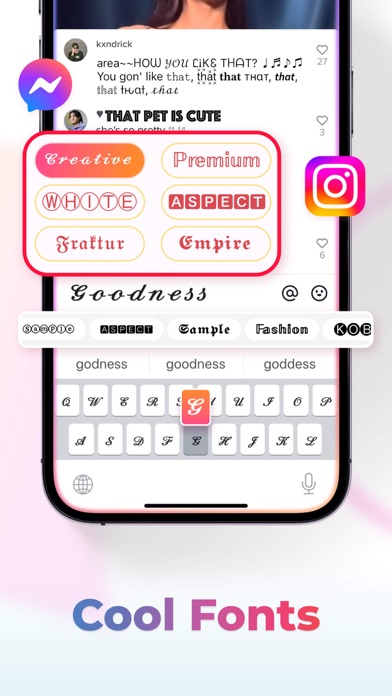
- Extensive Font and Symbol Library: Access over 1,000 unicode symbols, heart variations, and trendy fonts to customize your Instagram or TikTok profile bios.
- Efficiency Tools: Features like Auto Paste (Text Storm), swipe-to-type, and intelligent predictive text ensure your typing speed remains optimal without sacrificing accuracy.
Privacy, Security, and Subscription Details
While the iOS system requires granting full access permissions to enable the keyboard's advanced features, the developers emphasize a strict commitment to user privacy, stating that no personal data is collected without explicit authorization. The application is free to try, with premium subscriptions available at $4.99 weekly or $14.99 monthly following a 3-day trial period, which can be managed directly via your iTunes account settings.
Our Verdict
The keyboard excels at merging creative expression with practical utility. If you are ready to upgrade your default typing setup, explore the official iOS App Store to learn more about how this tool can elevate your daily digital interactions.