ES File Explorer


Our in-depth review of ES File Explorer on iOS. Discover how this tool helps you organize, view, and manage your local media and documents.
A Hands-On Look at ES File Explorer for iOS
Managing files on a mobile device can often feel like a chore, but the ES File Explorer iOS file manager aims to simplify your digital organization. Developed by alkesh dudhat, this utility provides a straightforward, user-friendly hub to access your documents, media, and archives. Rather than digging through buried system folders, the application gathers your stored items into a clean interface designed for quick navigation and immediate access.
Core Features of the ES File Explorer iOS File Manager
The app focuses on ease of use, ensuring that even non-technical users can tidy up their storage without a steep learning curve. Here is what stands out during daily use:
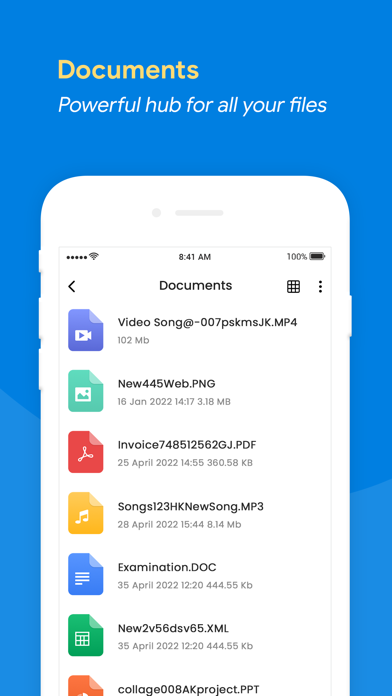
- Built-In Media Viewers: You do not need secondary apps to check your files. The built-in players allow you to play audio and video files, view images, and read documents directly within the interface.
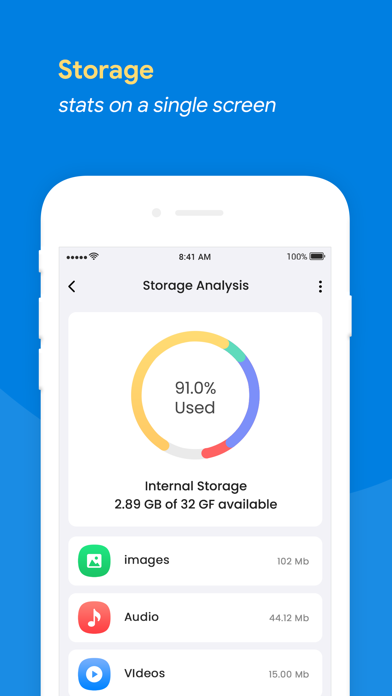
- Smart Storage Dashboard: Get an instant visual breakdown of your available storage. This quick-glance dashboard helps you monitor space utilization easily.
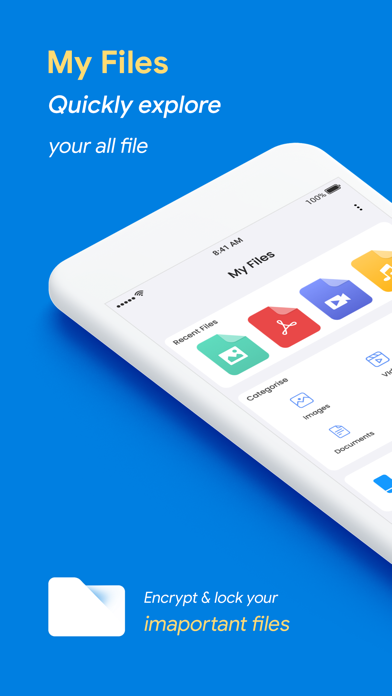
- Categorized Browsing: Files are automatically sorted into intuitive categories like recent files, downloads, large files, and specific file types.
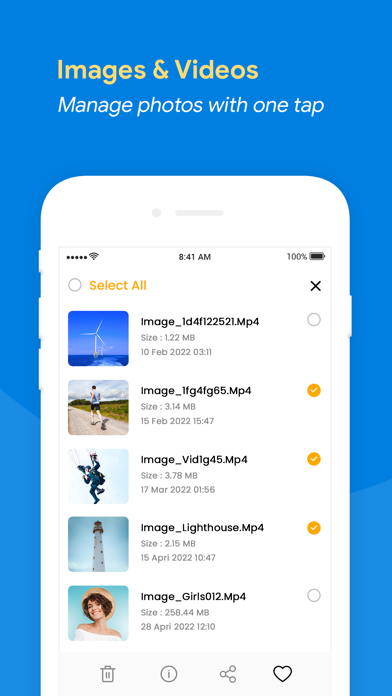
- Advanced Photo Search: Locate specific images quickly by sorting and searching your photos by date created, date opened, or file size.
- Bulk File Management: Select multiple items simultaneously to sort, organize, or delete them in batches.
Who Is This Tool For?
If you frequently handle mixed media, download PDFs on the go, or find yourself running low on space, the ES File Explorer iOS file manager serves as a practical assistant. Its "Recents" tab is particularly helpful for those who need to retrieve or delete recently modified items without searching through several directories. It strips away the complexity of mobile file systems, presenting a unified dashboard that keeps your digital life structured.
Subscription Details and Considerations
While the utility is free to download, it includes subscription options for premium access. Subscriptions auto-renew through your iTunes Account unless turned off at least 24 hours before the billing cycle ends. Be sure to review the terms within the app to choose the tier that fits your functional needs.
Final Verdict
The ES File Explorer iOS file manager succeeds in making local storage transparent and accessible. With its simple layout and integrated media players, it removes the friction from mobile organization. To see if it matches your workflow, head over to the official Apple App Store to explore its features firsthand.