

Easy Effects
Discover how Easy Effects delivers advanced audio manipulation for Linux. Read our review of this powerful PipeWire equalizer and sound processing tool.
Transforming Linux Sound with Advanced Audio Processing
Imagine having complete, granular control over every sound wave leaving or entering your computer. Easy Effects audio manipulation software makes this a reality for Linux users, providing a sophisticated studio-grade environment right on your desktop. Unlike basic volume sliders, this application functions as a comprehensive virtual rack, allowing you to intercept, analyze, and enhance your system's sound feeds in real time.
Whether you are trying to tame harsh high-end frequencies on your headphones, boost dialogue in a movie, or clean up noisy microphone input during a video call, this tool integrates seamlessly into your daily workflow. It shifts the paradigm of system audio from a static output to a dynamic, customizable canvas.
The Core Power of Easy Effects Audio Manipulation
At its heart, the software is packed with professional-grade processors that cater to both everyday listeners and demanding audiophiles. Here is a look at the standout modules available inside the suite:
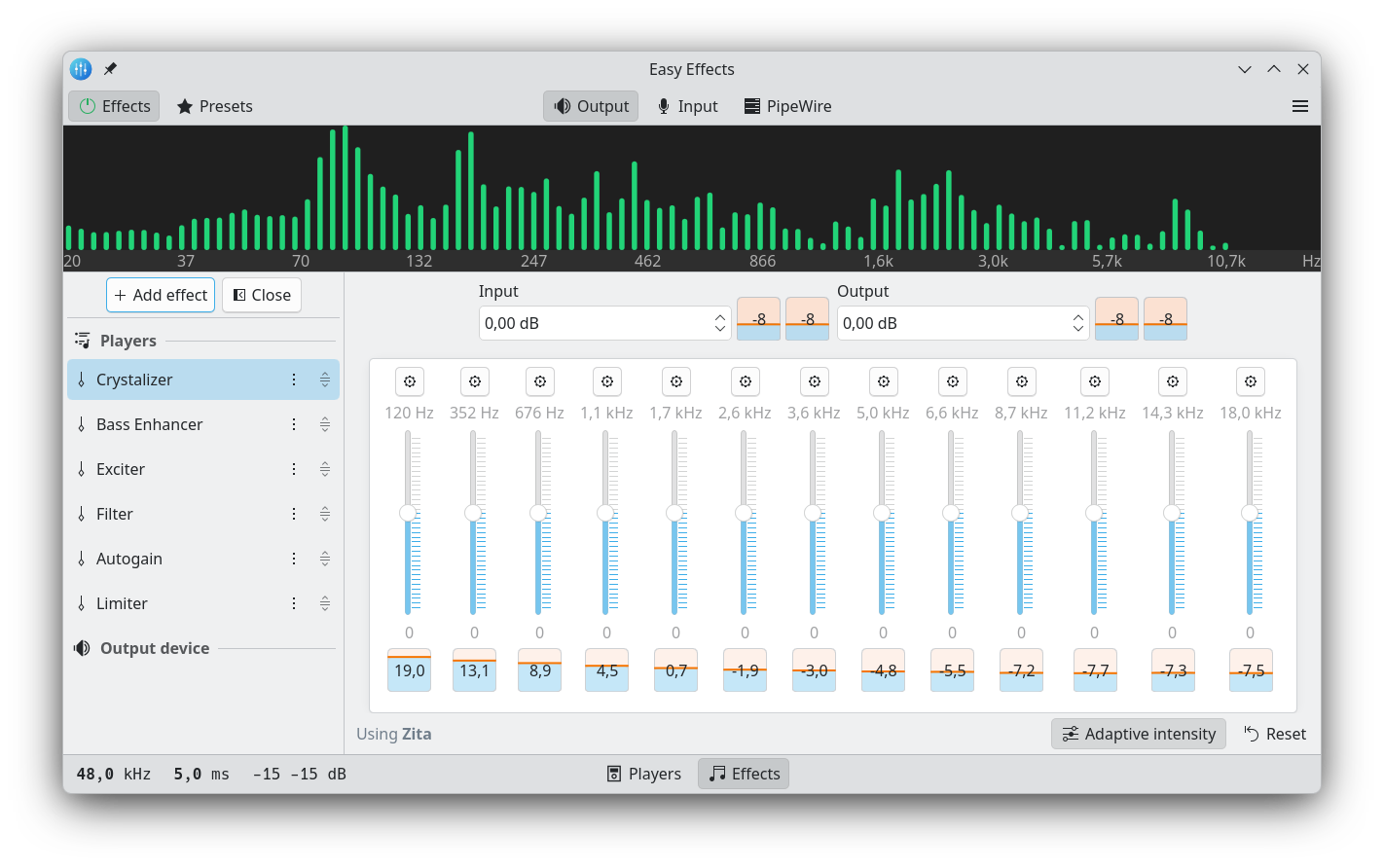
- Multi-Band Equalizer: Sculpt your sound signature with precision, correcting hardware deficiencies or tailoring audio to your personal taste.
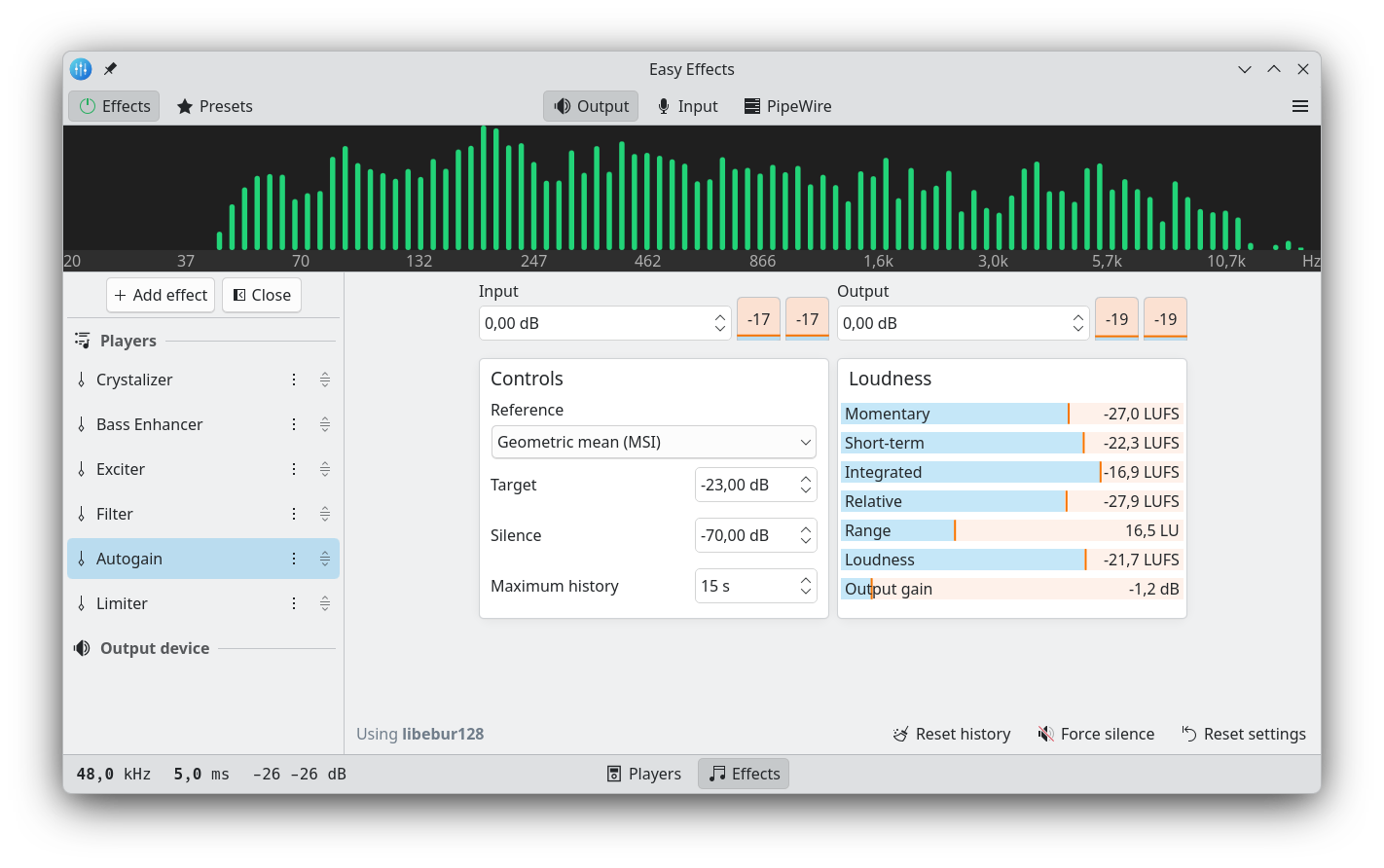
- Limiter & Compressor: Prevent sudden volume spikes and balance the dynamic range so quiet whispers and loud explosions are equally intelligible.
- Reverberation Tool: Add spatial depth and simulate different acoustic environments for a richer listening experience.
- Spectrum Analyzer: Monitor your audio visually with a built-in real-time analyzer to see exactly how your adjustments impact the frequency spectrum.
Seamless Integration with Modern Linux Systems
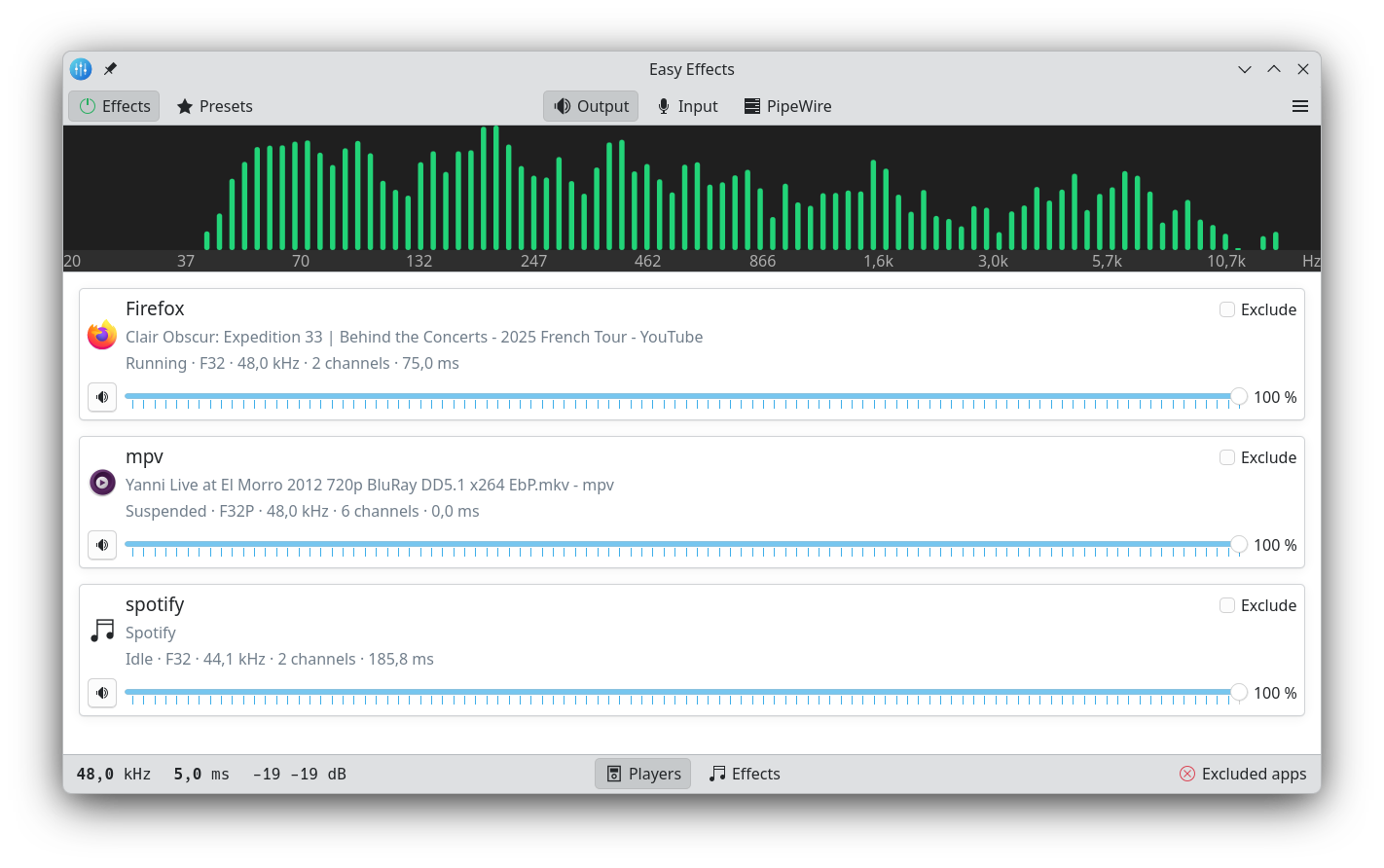
Designed specifically for modern Linux architectures, the utility exclusively supports the PipeWire audio server. Because it leverages PipeWire's native capabilities, it detects and displays all running applications in its main window. This allows you to enable or disable processing on a per-app basis—meaning you can compress your web browser's audio while keeping your music player completely untouched.
Beyond output enhancement, the application is highly capable of processing input devices. Applying noise reduction, equalization, or compression to your microphone signal ensures crystal-clear voice transmission during virtual meetings or recording sessions. To make things even simpler, your configurations are remembered across sessions, and you can export your favorite setups as dedicated profiles for different hardware configurations.
Is It Right For You?
If you are running a Linux distribution powered by PipeWire and want professional-grade control over your soundscapes, this application is an essential addition to your workstation. It replaces complex command-line chains with an intuitive, powerful graphical interface. To explore its capabilities firsthand, head over to the official Flathub store page to view installation details and community feedback.