
Streaming Master
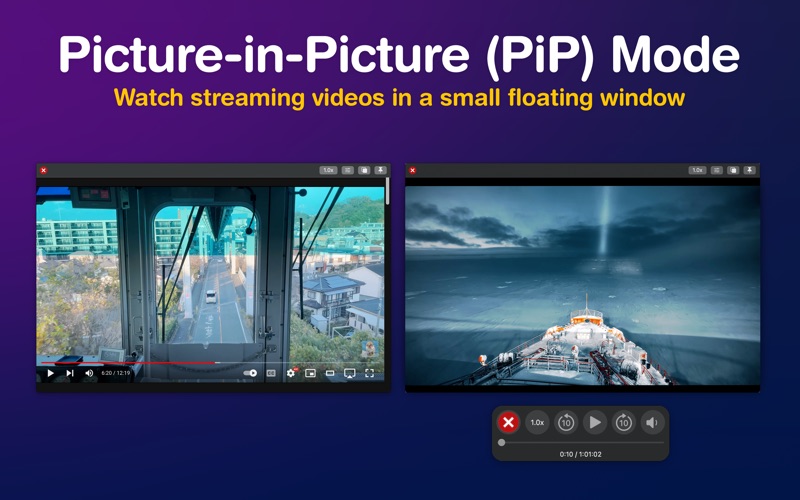
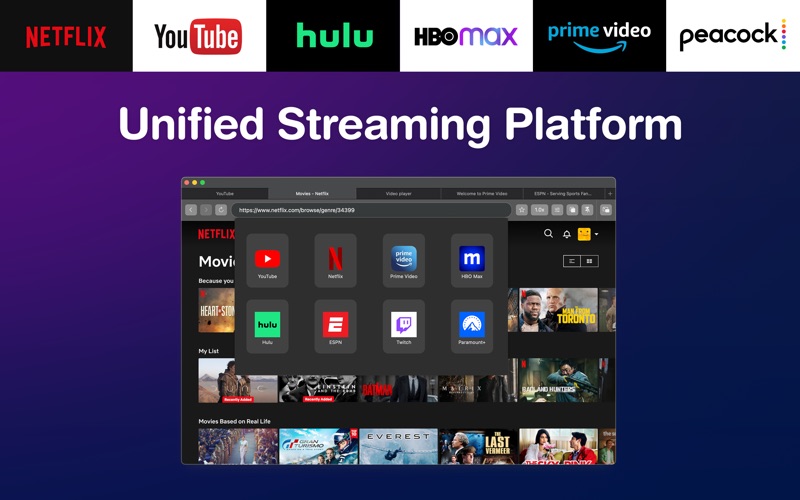
Read our comprehensive review of Streaming Master for macOS. Discover how this tool optimizes multi-source video playback with Picture-in-Picture modes.
The Ultimate Solution for Multi-Window macOS Video Playback
If you have ever found yourself constantly switching browser tabs just to keep track of different live broadcasts, tutorials, or series, the Streaming Master video playback tool offers a sophisticated solution. Designed specifically for macOS, this utility acts as a dedicated hub for consolidating multiple web-based video sources into a single, highly controllable workspace. By eliminating the friction of navigating between disparate browser windows, it streamlines how desktop users consume digital media while multitasking.
Key Features of the Streaming Master Video Playback Tool
This software is built around enhancing the native macOS viewing experience with advanced window management and playback controls. Below are the standout features that make it a compelling utility:
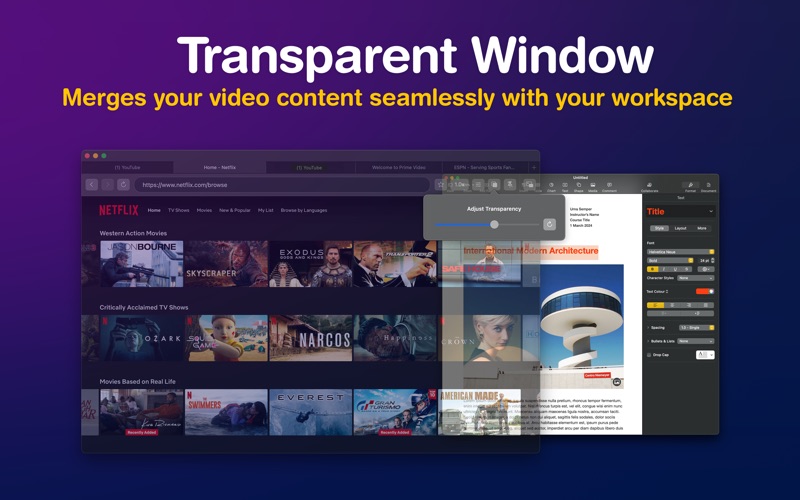
- Adaptive Picture-in-Picture (PiP) Modes: Users can leverage native macOS PiP or utilize an optimized, fully adjustable window that allows custom transparency and sizing. An automated system intelligently selects the best mode based on the source platform.
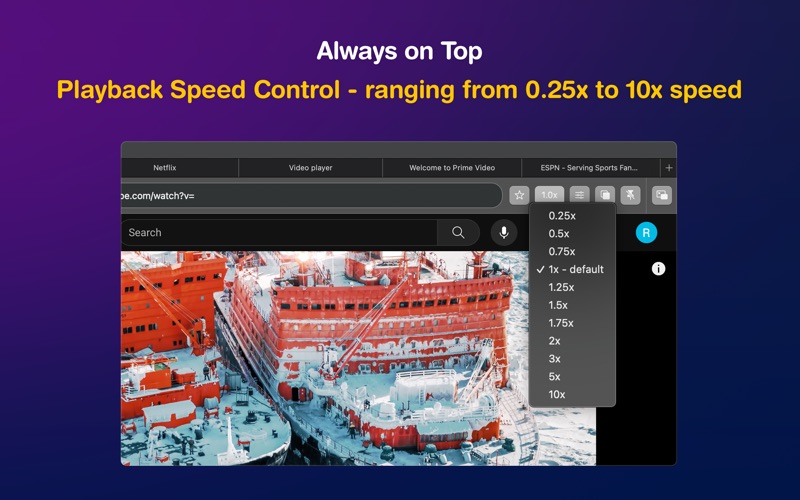
- Always-on-Top Floating Windows: Keep your video front and center while working in spreadsheets, coding, or writing. The playback window remains visible regardless of which background application has focus.
- Granular Speed Control: Adjust playback speed from a slow 0.25x up to an accelerated 10x speed, making it highly useful for analyzing tutorials or skimming long-form content.
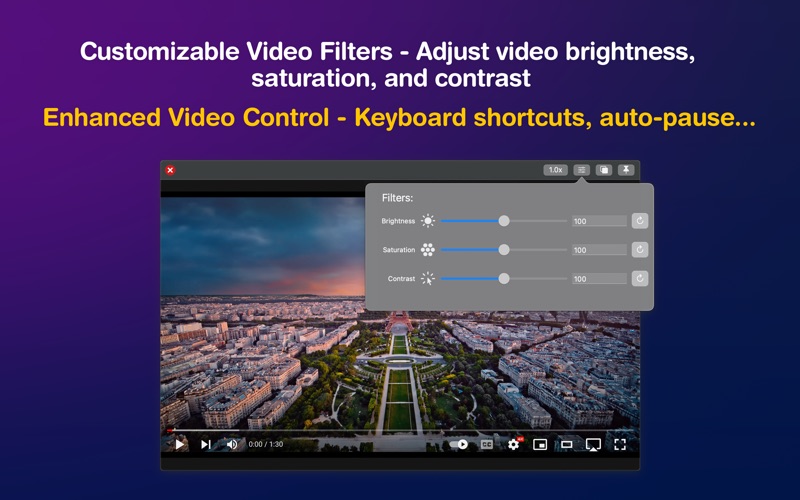
- Integrated Video Filters: Fine-tune your viewing experience by adjusting brightness, contrast, and saturation directly within the application.
- Keyboard Navigation & Auto-Pause: Navigate through video timelines easily with keyboard arrows, and let the software automatically pause playback when the window is minimized.
Who is this macOS Utility For?
The Streaming Master video playback tool is tailored for professionals, students, and power users who rely on a multi-screen or highly partitioned single-monitor setup. Whether you are monitoring live streams, watching educational content while taking notes, or keeping a casual eye on sports while working, the application's transparent window overlay and persistent positioning adapt perfectly to intensive multitasking workflows.
Compatibility and Integration
Developed by 明碧 张, the application has been verified to support a wide range of popular video-sharing and streaming destinations, including YouTube, Netflix, Prime Video, Disney+, Twitch, and various specialized platforms. Because it operates as a specialized third-party browser wrapper, it respects your desktop workspace configuration without requiring complex browser extensions.
Our Editorial Verdict
For Mac users seeking a dedicated, system-level control panel for web video, this software delivers on its promise of convenience and flexibility. To explore this utility further and integrate it into your daily macOS workflow, visit the official Apple App Store to review download options and subscription details.